Support & Troubleshooting
Resolve crochet kit component, instruction, packaging and batch issues with a clear, documented process built for brand buyers, importers and retail programs.
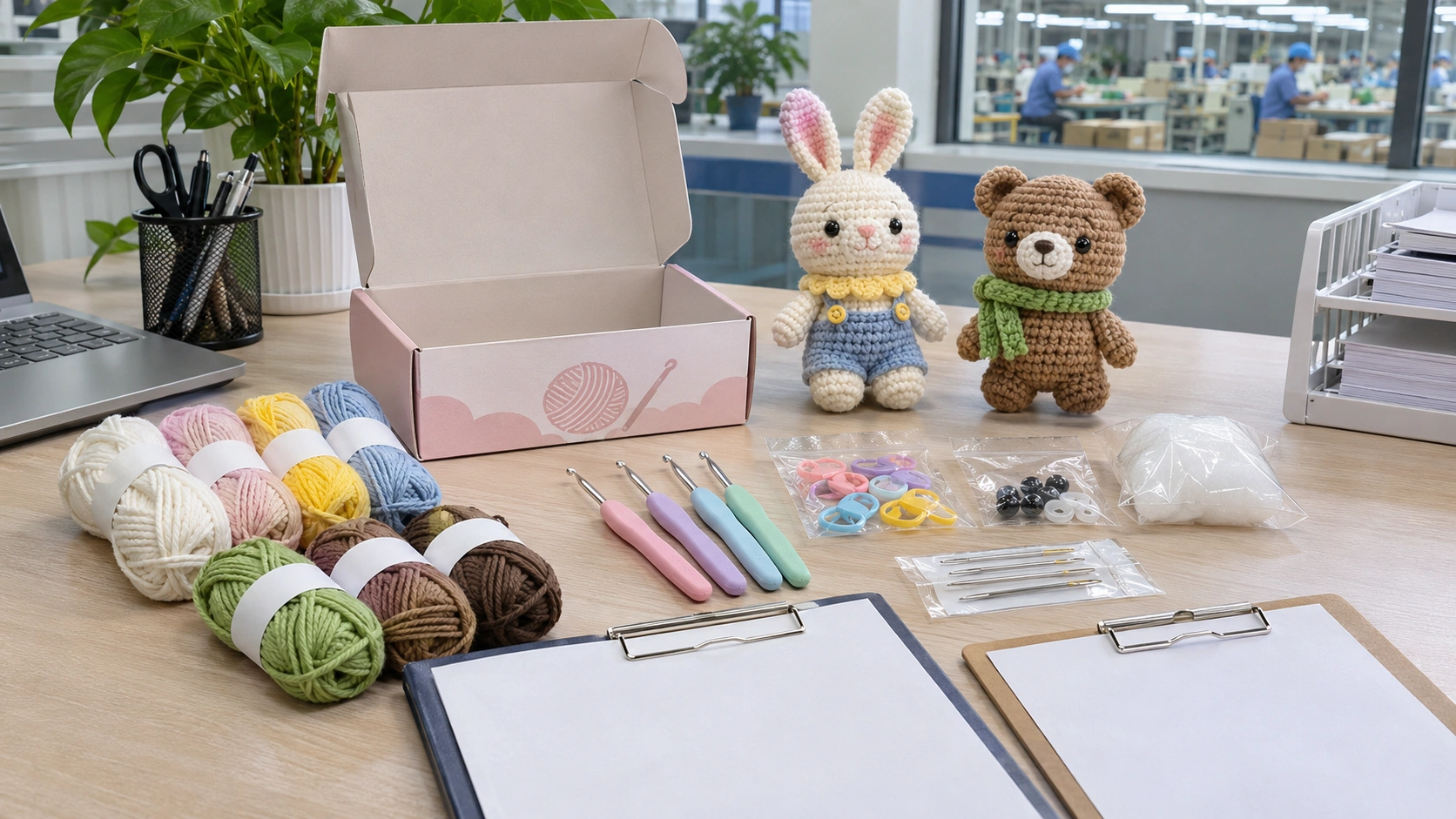
Find the Right Issue Category
Start with the issue type below. Recording accurate product and batch details helps us assess the scope and determine appropriate next steps.
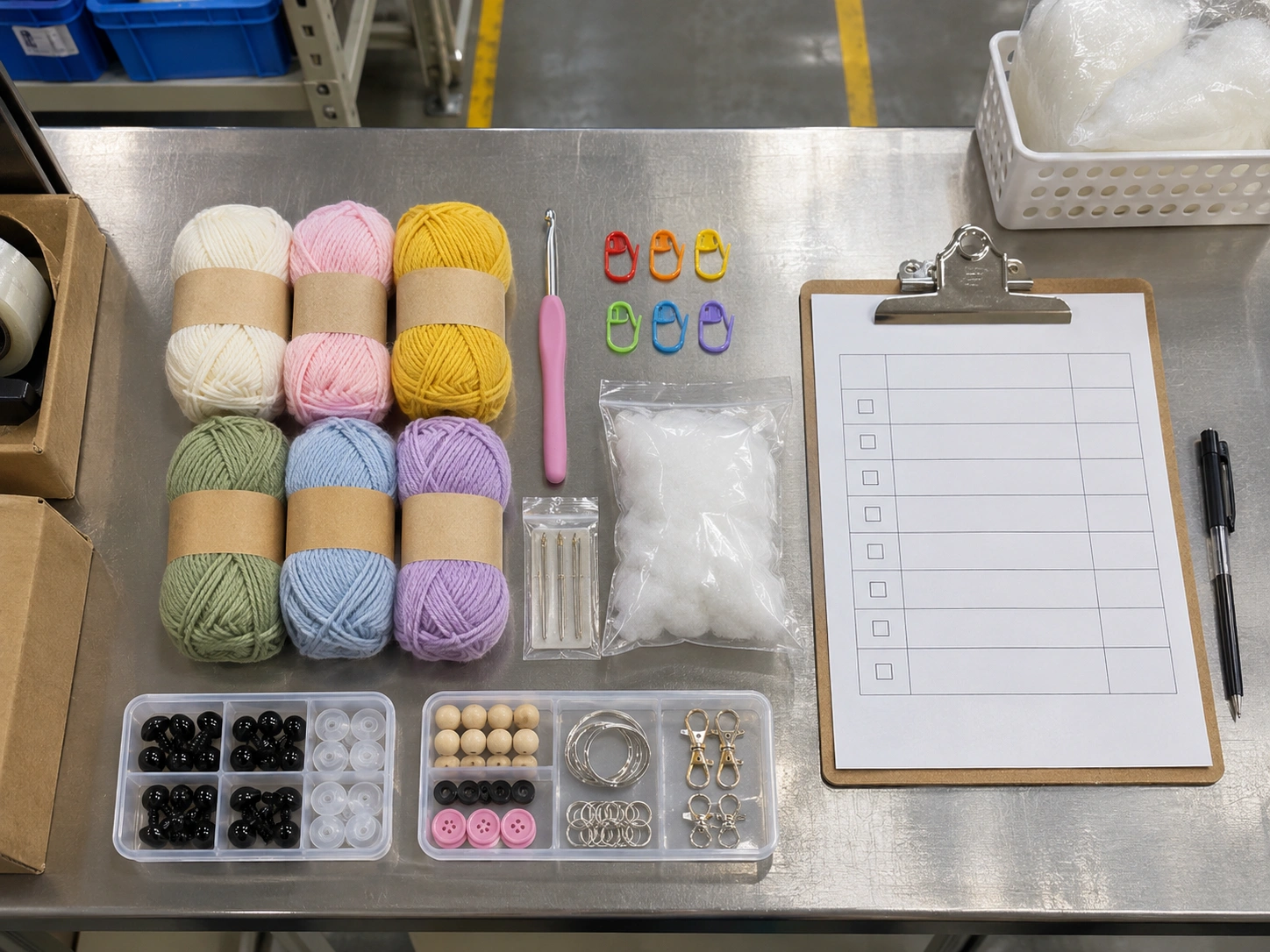
Missing or Incorrect Components
Missing hooks, markers, safety eyes, needles, stuffing, or the wrong accessories.
Before reporting: Check the SKU and kit contents against the component list; photograph the full opened kit, missing area and outer packaging.
Report this issue →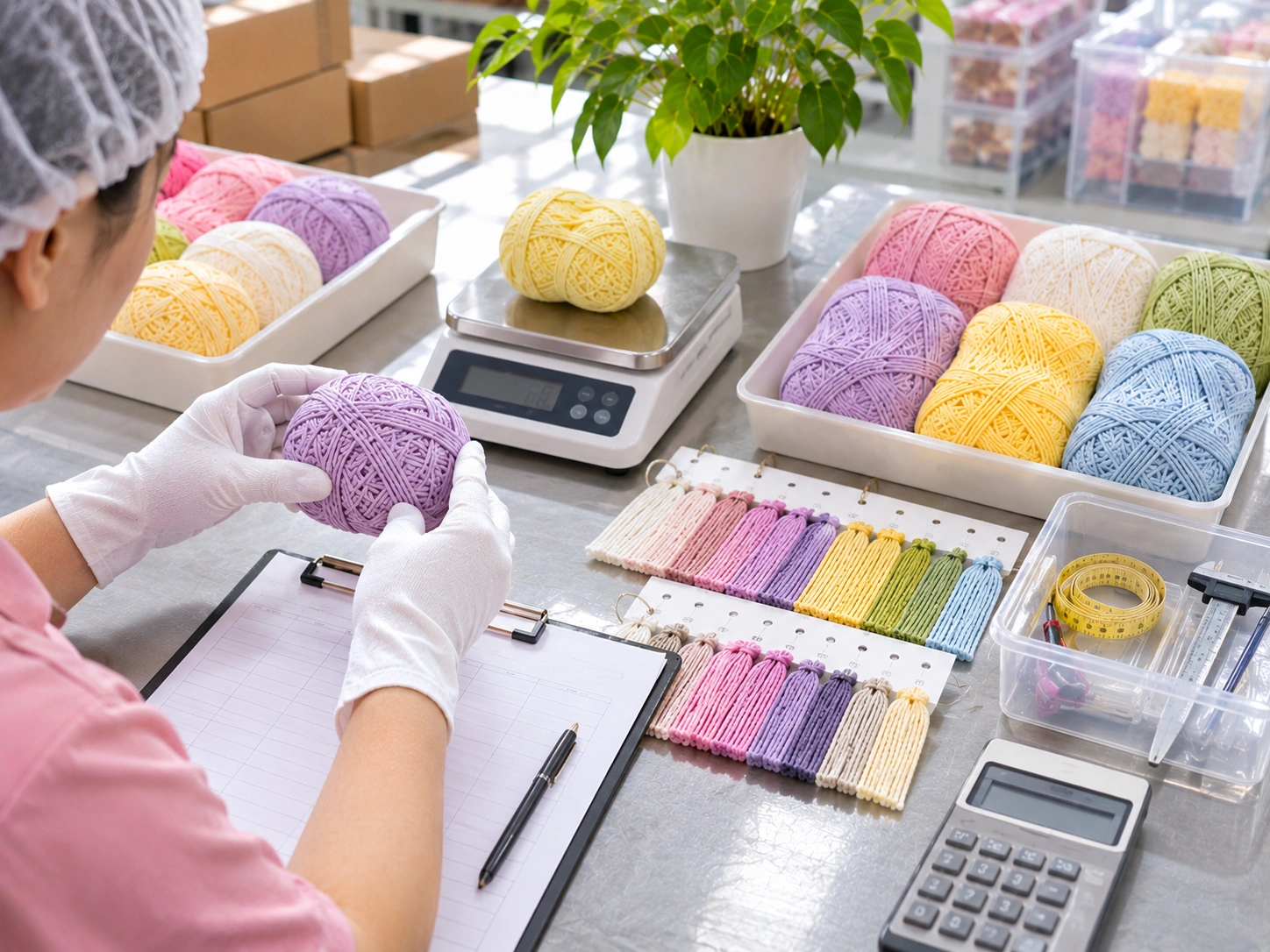
Yarn Quantity or Color
A yarn bundle appears short, inconsistent in color, or different from the approved sample.
Before reporting: Record yarn weight and color information, retain the lot number, and photograph the difference under neutral light.
Report this issue →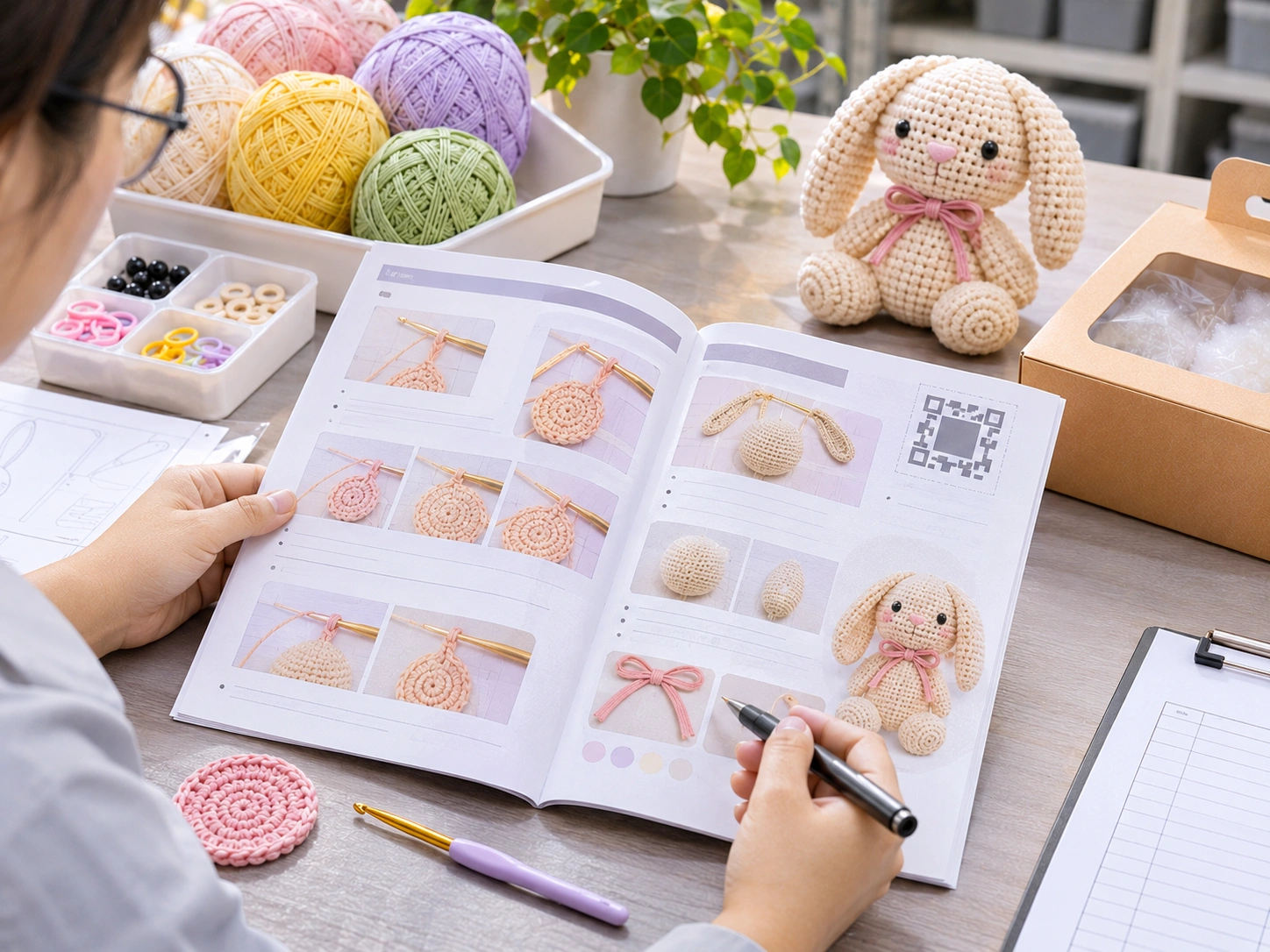
Instruction, Pattern or QR
Unclear diagrams, conflicting stitch counts, incorrect language, damaged booklet or QR problems.
Before reporting: Provide the booklet revision, page or QR location, language and screenshots showing the affected step.
Report this issue →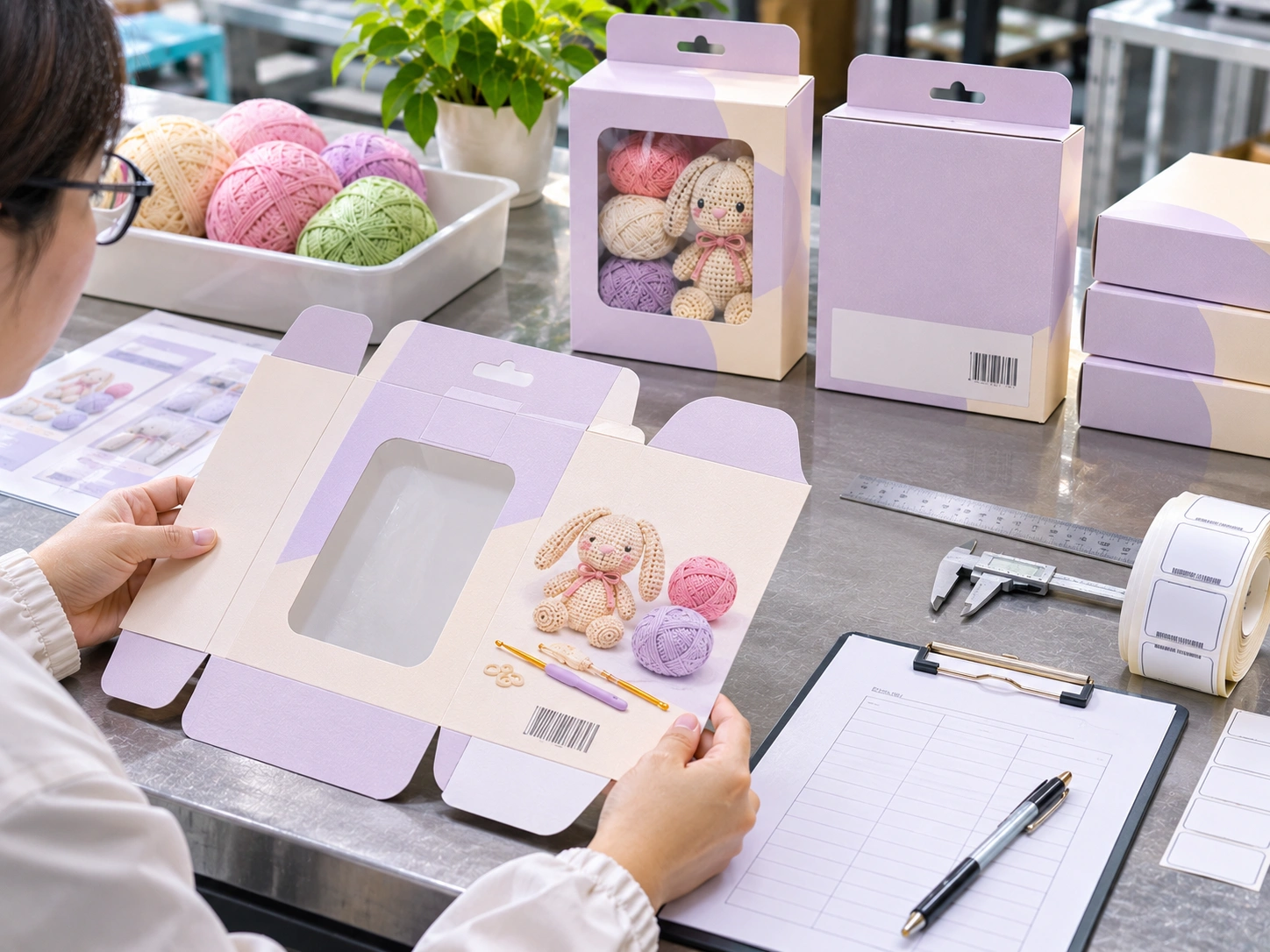
Packaging, Labels or Barcode
Damaged retail box, incorrect labels, barcode mismatch, missing warnings, or leaflet errors.
Before reporting: Photograph all relevant panels, carton marks, SKU, barcode and batch reference before repacking.
Report this issue →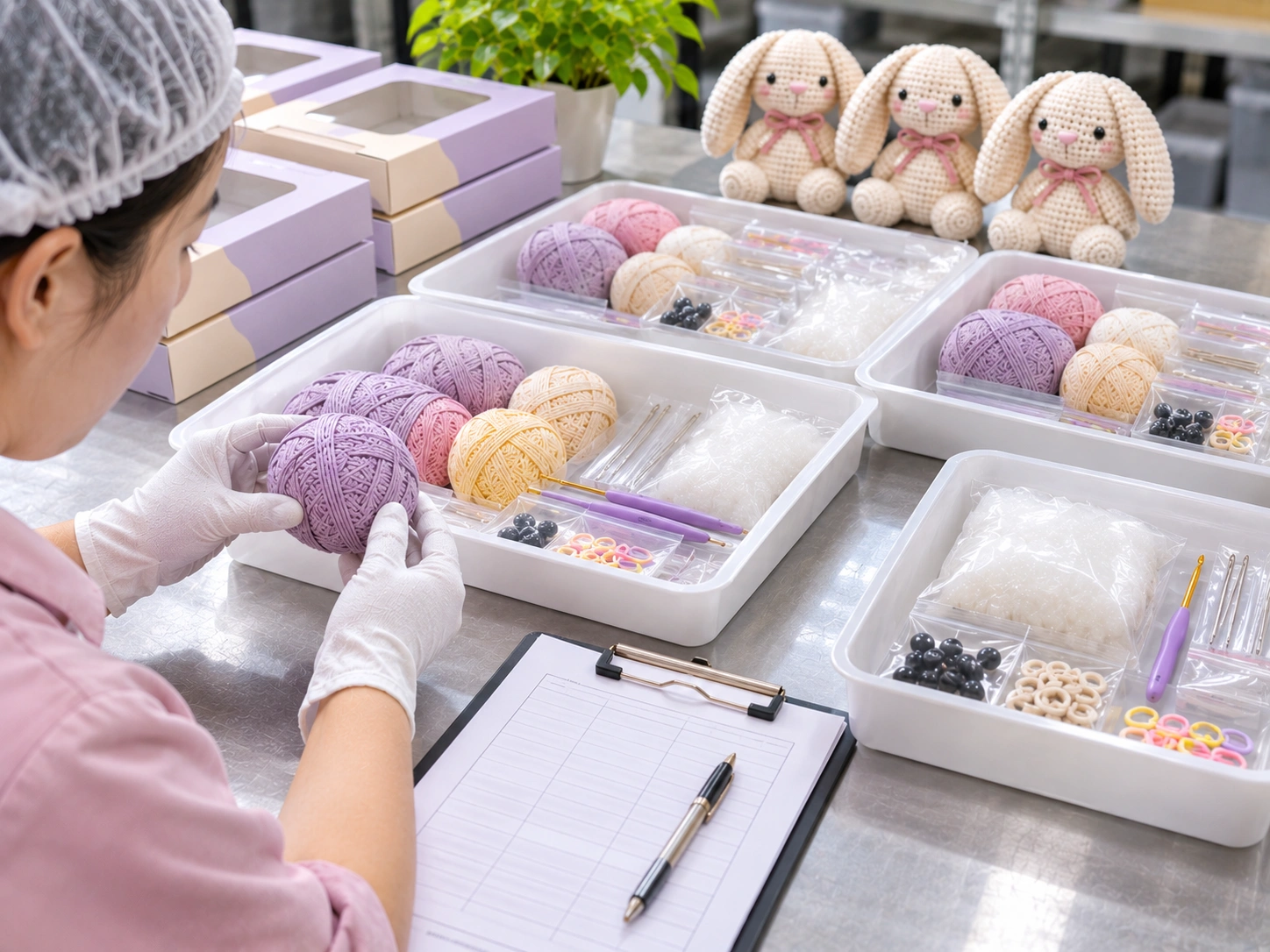
Product or Batch Quality
Component defects, dimension differences, accessory issues or repeated faults across a lot.
Before reporting: Stop distribution of affected units when appropriate; retain samples and document the quantities inspected and affected.
Report this issue →
Carton or Transit Damage
Outer carton damage, crushed retail packs or quantity discrepancies identified at receiving.
Before reporting: Capture receiving photos, carton marks, delivery references and affected carton or unit counts.
Report this issue →Report a Product Issue
For order-related problems, please include the purchase order, SKU, batch or lot number, inspected quantity, affected quantity and supporting photos.
- Company name and account contact
- Purchase order, SKU and production batch
- Issue category, description and observed impact
- Quantity checked and quantity affected
- Photos, carton labels and instruction revision (if applicable)
- Requested outcome and any urgent retailer deadline
Use your agreed client service channel for contractual notices. Do not email sensitive IP source files or personal data without an approved secure transfer method.
Our Issue Resolution Process
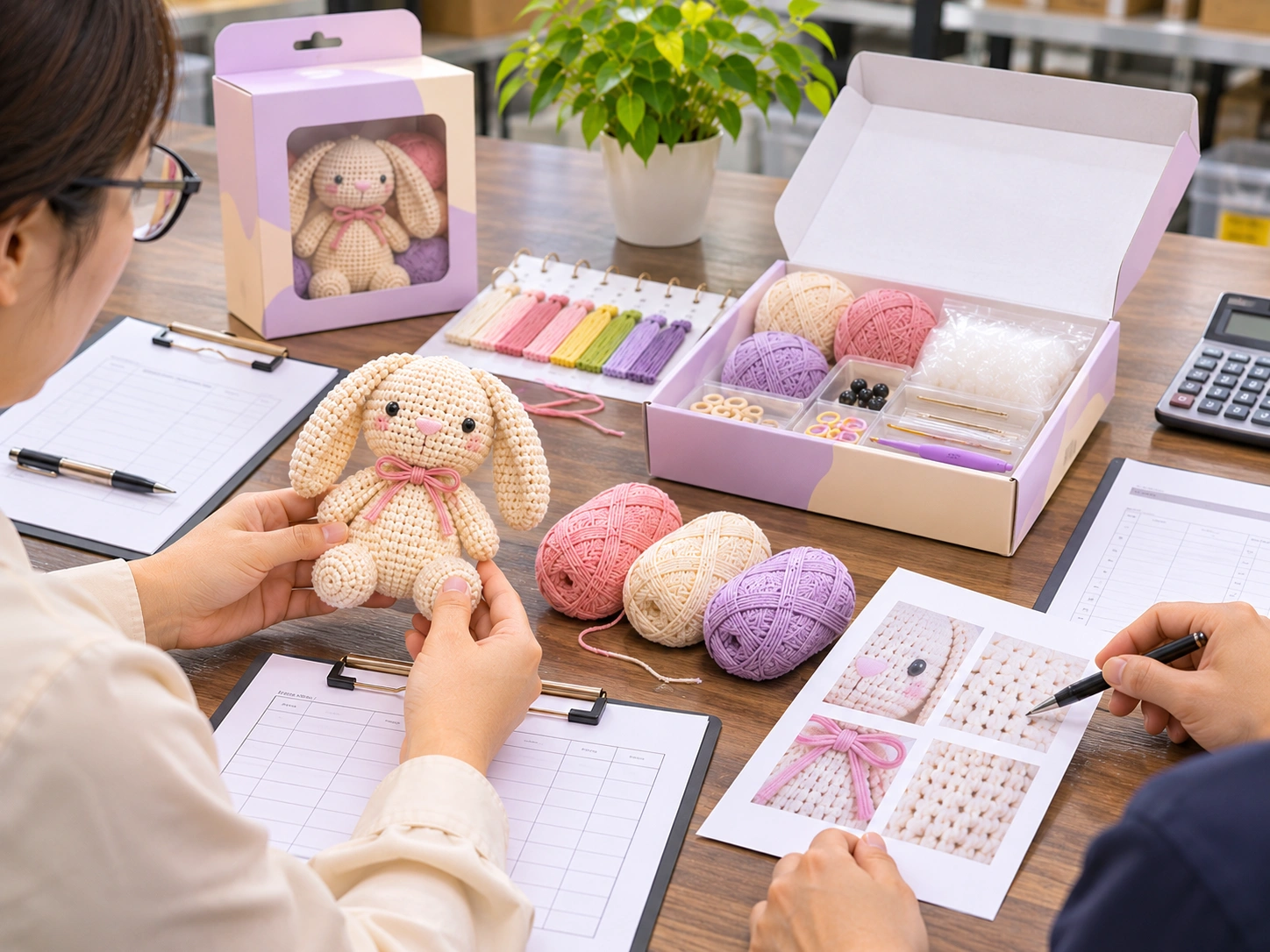
A structured workflow helps buyer and manufacturer review evidence, isolate potential problems, confirm corrective action and document closure.
Receive
Log the request, identify PO, SKU, lot and initial evidence.
Contain
Where appropriate, segregate affected stock while scope is assessed.
Investigate
Review retained samples, BOM, packaging and inspection records.
Correct
Agree on an appropriate remedy, owner and follow-up actions.
Verify & Close
Confirm effectiveness and document the outcome before closure.
Component Replacement Requests
Missing or incorrect crochet kit parts may affect an individual SKU or an entire receiving batch. Providing exact details helps us determine whether replacement components or other actions are appropriate.
- Part name, specification and required quantity
- Units affected and units already distributed
- Order number, SKU, lot and destination
- Photographs comparing the kit against the approved component list
- Requested timing and delivery details
Instructions, BOM & Revision Control
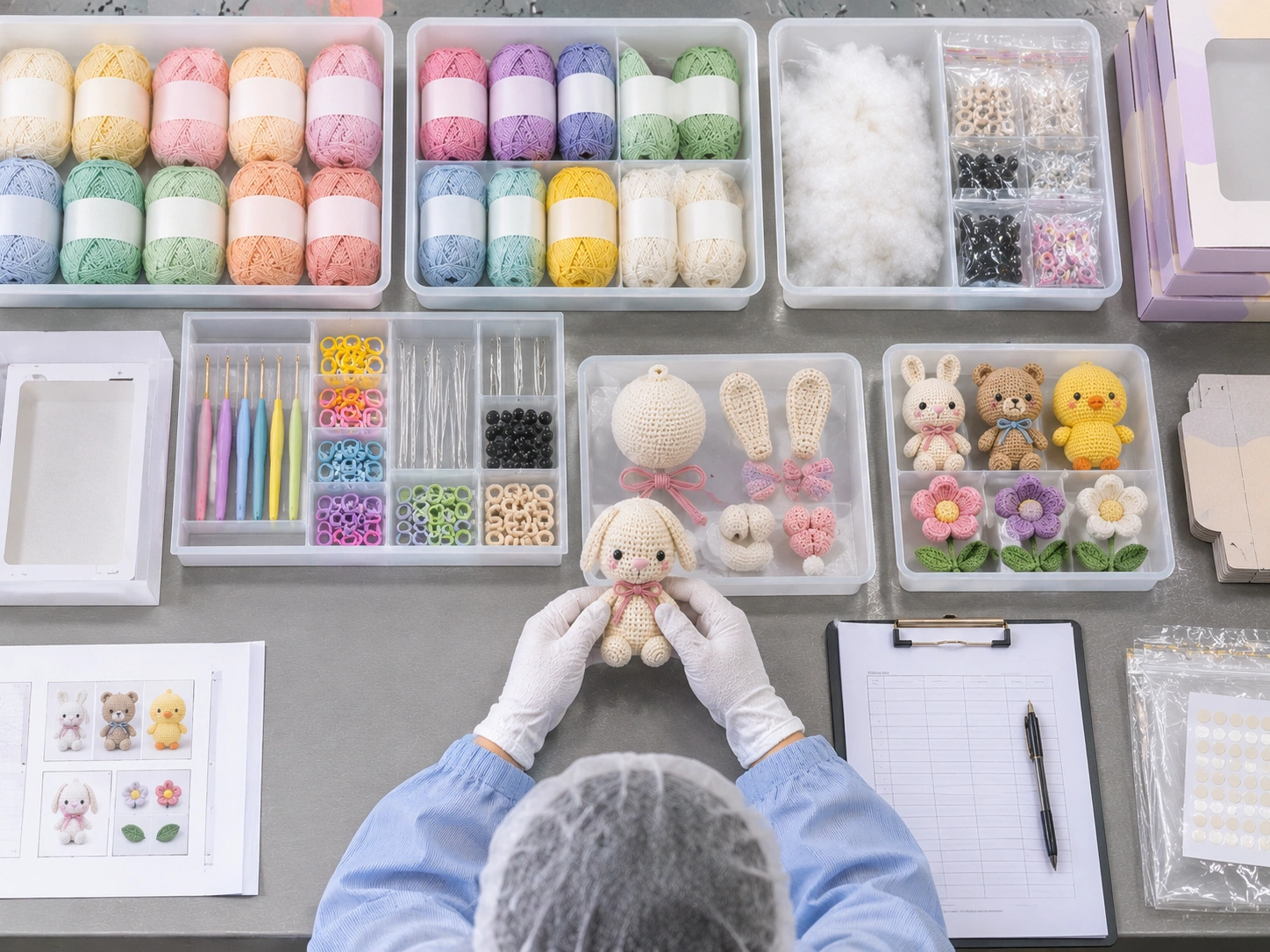
For printed instruction errors and component changes, document version and batch information before issuing a correction or replacement.
Instruction Updates
Reference booklet language, revision code, page, stitch count, illustrated step or QR destination.
Component & BOM Changes
Identify the affected component specification, approved BOM revision and the relevant production lot.
Packaging & Labels
Record carton artwork version, barcode, warning panel, inserts and packing instruction revision.
Download the Product Issue Report Template
Use this editable Excel workbook to capture batch evidence, log issues, request replacement parts and track corrective actions.
- Issue Log and case details
- Replacement request quantity calculation
- CAPA follow-up and verification
- Evidence and record guidance
Template is a reporting aid and does not change contractual warranty, returns or acceptance terms.
Support FAQ
Practical guidance for existing wholesale customers reporting crochet kit issues.
What information should I include in my first report?
Provide company contact, PO, SKU, batch or lot, issue type, photos, number of units checked and affected, and the requested outcome. The Excel template can help organize these details.
Should affected kits continue to be distributed?
Where a possible safety issue or widespread discrepancy is suspected, isolate affected stock and contact your account team promptly. Follow the agreed incident procedure and applicable legal requirements.
Can you replace missing components?
Replacement options can be reviewed once the affected SKU, lot, quantities and delivery details are confirmed. Availability, cost allocation and shipment method depend on the investigation and agreed commercial terms.
How do we report an instruction or QR-code problem?
Share the instruction version, language, page or QR location, photographs or screenshots, and the relevant SKU and batch. The support team can assess whether a corrected file or other remedy is appropriate.
How quickly will a complaint be resolved?
Timing varies by issue severity, evidence quality, stock location, component availability and need for additional verification. Your account contact will confirm case-specific next steps; this page does not establish a fixed service-level commitment.
Is this page for consumers who purchased from a retailer?
This channel is designed for B2B customers and brand partners. End consumers should contact the seller or brand listed on their product packaging for first-line assistance.
Need Help With an Existing Crochet Kit Order?
Send the order, SKU, batch and evidence details to our technical team so the issue can be reviewed through the appropriate account support process.