Customer Support Center
Practical after-sales support for retail-ready DIY crochet kit programs—from component discrepancies and instruction updates to batch-level quality concerns.
Find the right support route, prepare accurate order information, and coordinate the next steps with our manufacturing team.
For existing customer orders: please include your PO number, SKU and batch or carton identification where available.
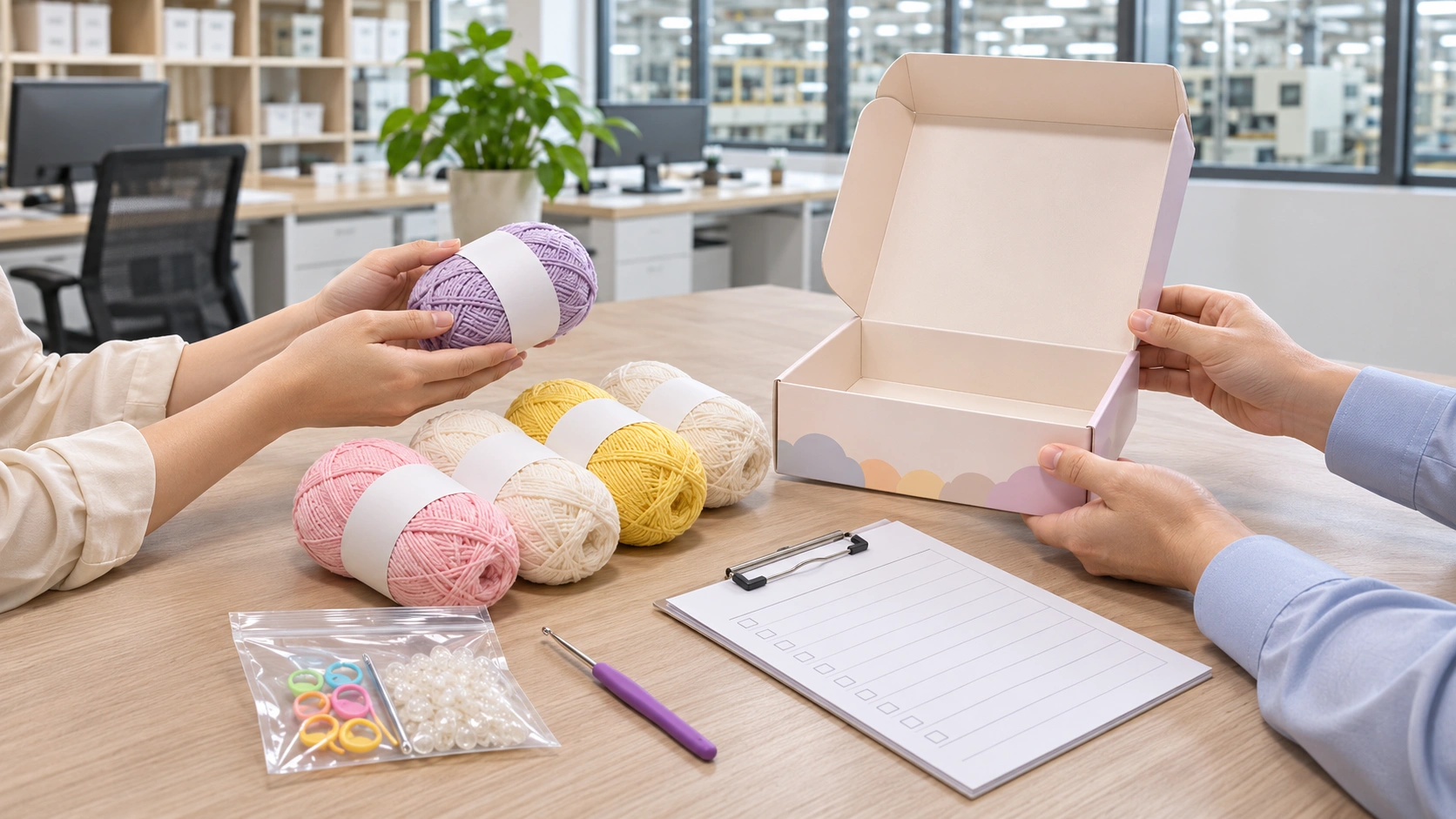
What Do You Need Help With?
A clear starting point for product, documentation and order-related questions.
Kit Troubleshooting
Review missing or incorrect components, yarn discrepancies, packaging concerns and assembly-instruction errors.
View troubleshooting →Replacement Components
Request a review of short-packed, incorrect or damaged parts using your order and affected quantity details.
Request component support →Instruction Updates
Check the relevant pattern, booklet, language or artwork revision with the technical team before distribution.
Ask about an instruction version →Quality Claims
Share evidence of repeated or batch-wide defects for review against the approved specification and inspection records.
Report a quality issue →QC & Documentation
Learn how incoming materials, in-process checks, final inspections and traceability fit into quality management.
Explore quality process →Orders & Replenishment
Coordinate repeat orders, product changes, new packaging requirements or upcoming multi-SKU programs.
Contact the sales team →Prepare a Clear Product Issue Report
Order-level information helps distinguish an isolated packing error from a recurring product or batch issue.
- Customer name, purchase order and contact details
- SKU / kit name, batch or carton reference where available
- Expected versus actual component quantity or specification
- Number of affected kits and quantity already distributed
- Clear photographs or short videos of the concern
- Requested action and any relevant shipping deadlines
Do not send confidential IP artwork or unnecessary personal data in an initial message. Agree on a secure transfer method if detailed files are required.
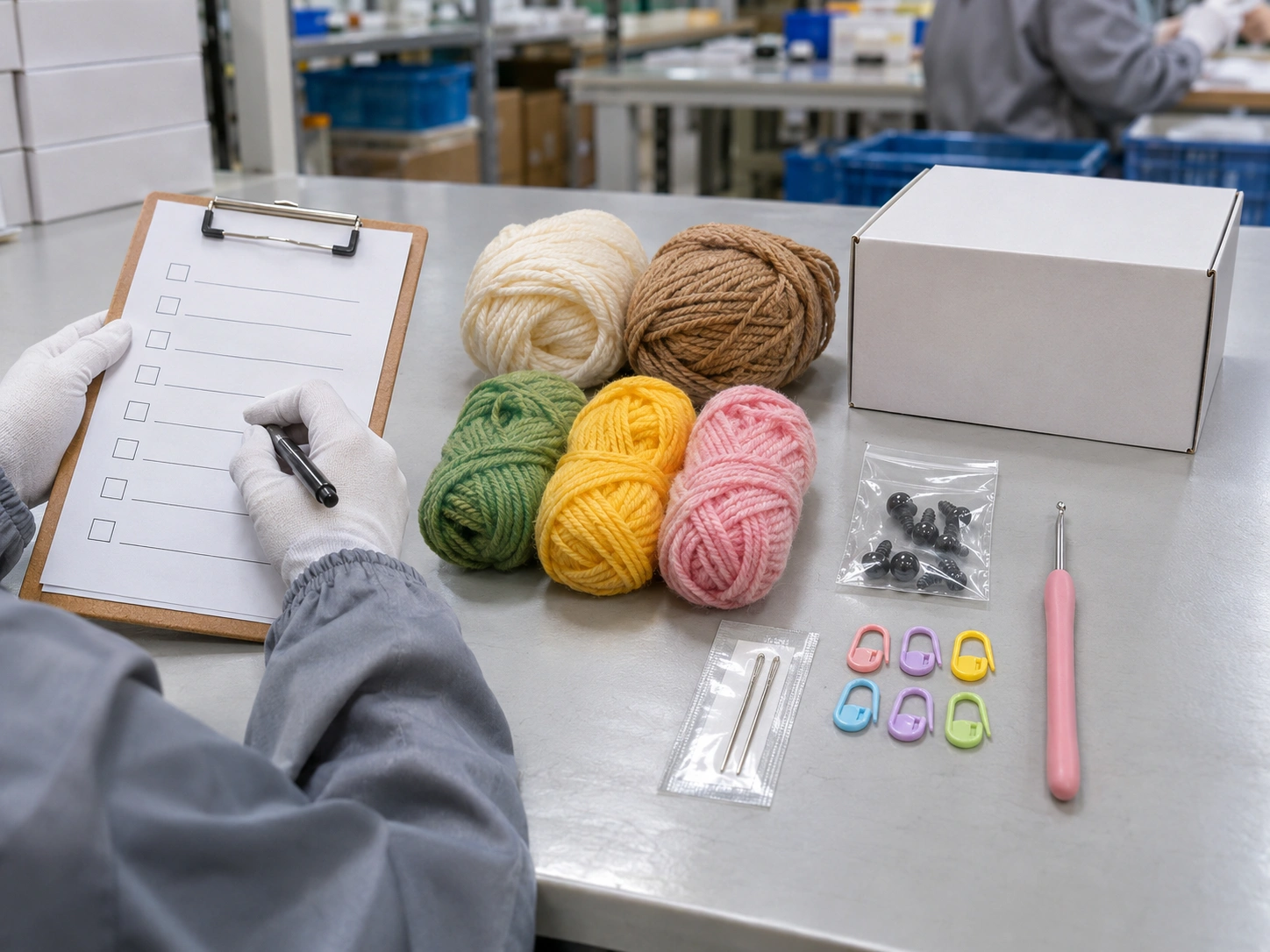
From Reporting to Resolution
The appropriate review and corrective action depend on the issue type, the order specification and available evidence.
Report
Share PO, SKU, affected units, photographs and a concise description.
Verify
Review the approved BOM, sample, packout instruction and relevant records.
Resolve
Agree on an appropriate action, such as clarification, component support or corrective work.
Close & Learn
Confirm the outcome and update controlled records where a process change is warranted.
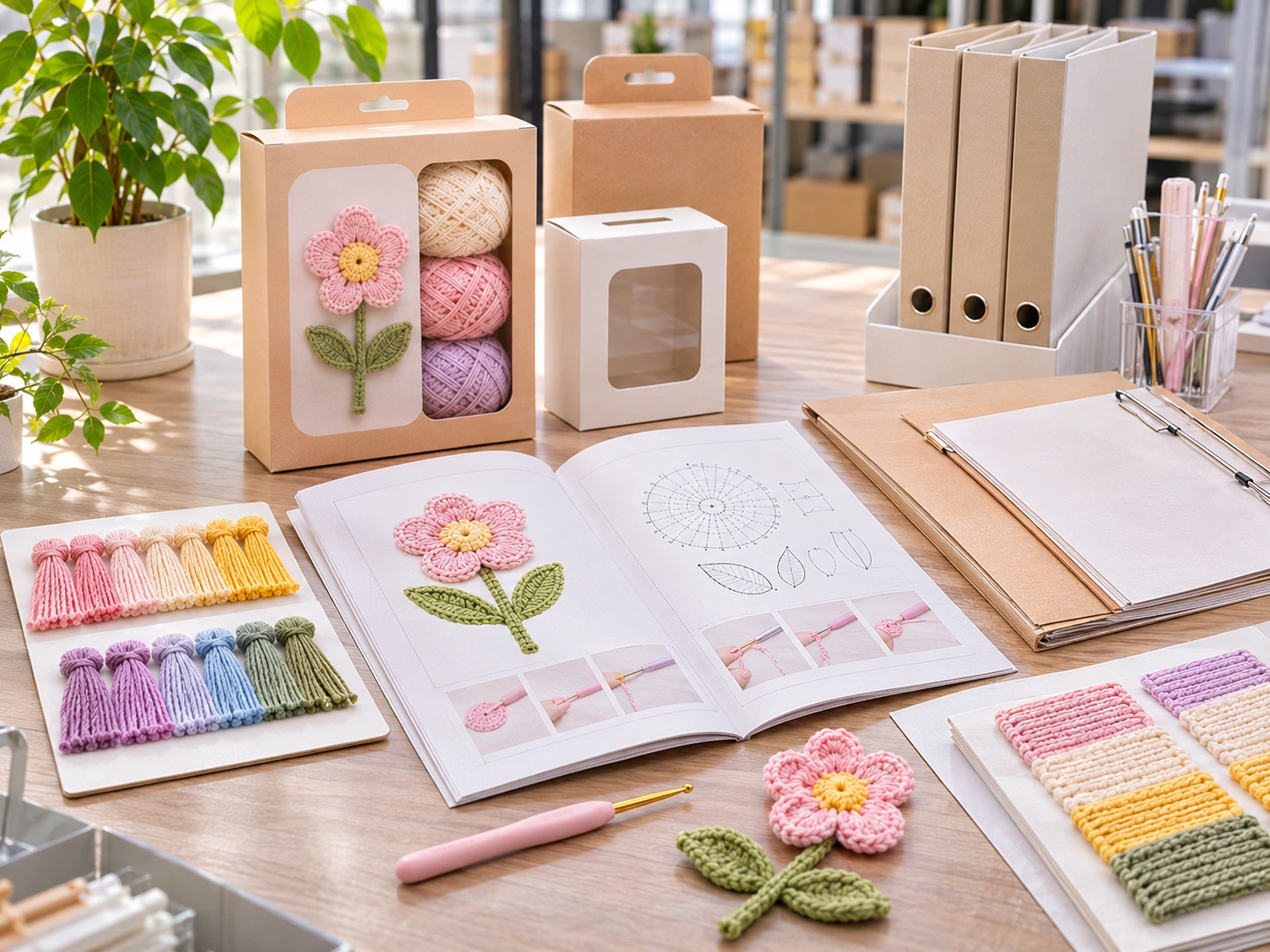
Keep the Right Version in Production
Instruction sheets, component BOMs, artwork and packaging specifications should refer to the approved version for the applicable SKU and order.
When an update is needed, the technical team can compare revisions, confirm affected orders, and coordinate which corrected file should be used. Customer-specific patterns and licensed IP documents are not placed in a public library.
Request a document version review →Support References & Tools
Troubleshooting Guide
Evidence requirements and common causes of kit, yarn, packaging and instruction issues.
Open guide →Quality Control Process
Read the manufacturing-stage control overview for materials, components and final kit packout.
View QC process →Downloads Center
Browse publicly available procurement templates and product documentation examples.
Browse resources →Contact U-My
General inquiries, purchase orders, program updates and commercial coordination.
Contact us →Optional asset: Product Issue Report Template (Excel) can be linked here after the XLSX has been uploaded and tested at /downloads/product-issue-report-template.xlsx.
Support FAQs
What information should I include when reporting missing components?
Provide your PO number, SKU, affected kit quantity, the expected and actual contents, plus clear photographs of the component layout and any batch or carton identifier.
Can I request replacement parts for an existing order?
Yes. Contact the technical support team with the order reference, component specification and verified shortage or damage quantity. Available remedies and shipping arrangements are reviewed case by case.
What if an instruction booklet contains an error?
Send the SKU, booklet language, visible revision or print reference, and the exact page or step. The team can review the discrepancy against controlled source material and advise on the applicable revision.
How are batch-level quality complaints handled?
Start with a documented issue report and evidence. The team reviews the approved specification, impacted scope and relevant production or inspection records before agreeing on corrective actions.
Are customer-specific design files available publicly?
No. Buyer-owned artwork, licensed character references, product-specific patterns and confidential manufacturing files should be shared only through an agreed authorized process.
Where should I send a new product quotation request?
New product inquiries, sourcing requests and commercial discussions should go through the RFQ page or sales contact, rather than the after-sales technical support channel.
Need Help With a Crochet Kit Order?
Send your order and SKU information so the appropriate U-My team can review the issue and coordinate next steps.
New product sourcing or quotations? Visit our RFQ page.